We had a good amount of hustle this week with some amazing progress to share with you. Here's what's new and what's fixed.
What's New
Video Templates
We've added 3 new templates to our Audiogram Studio that are specifically designed for videos. You can use your themes to customize and can export to any format you need.
So, if you've uploaded a video you can now choose to render it with a few different caption styles.

Native Recording
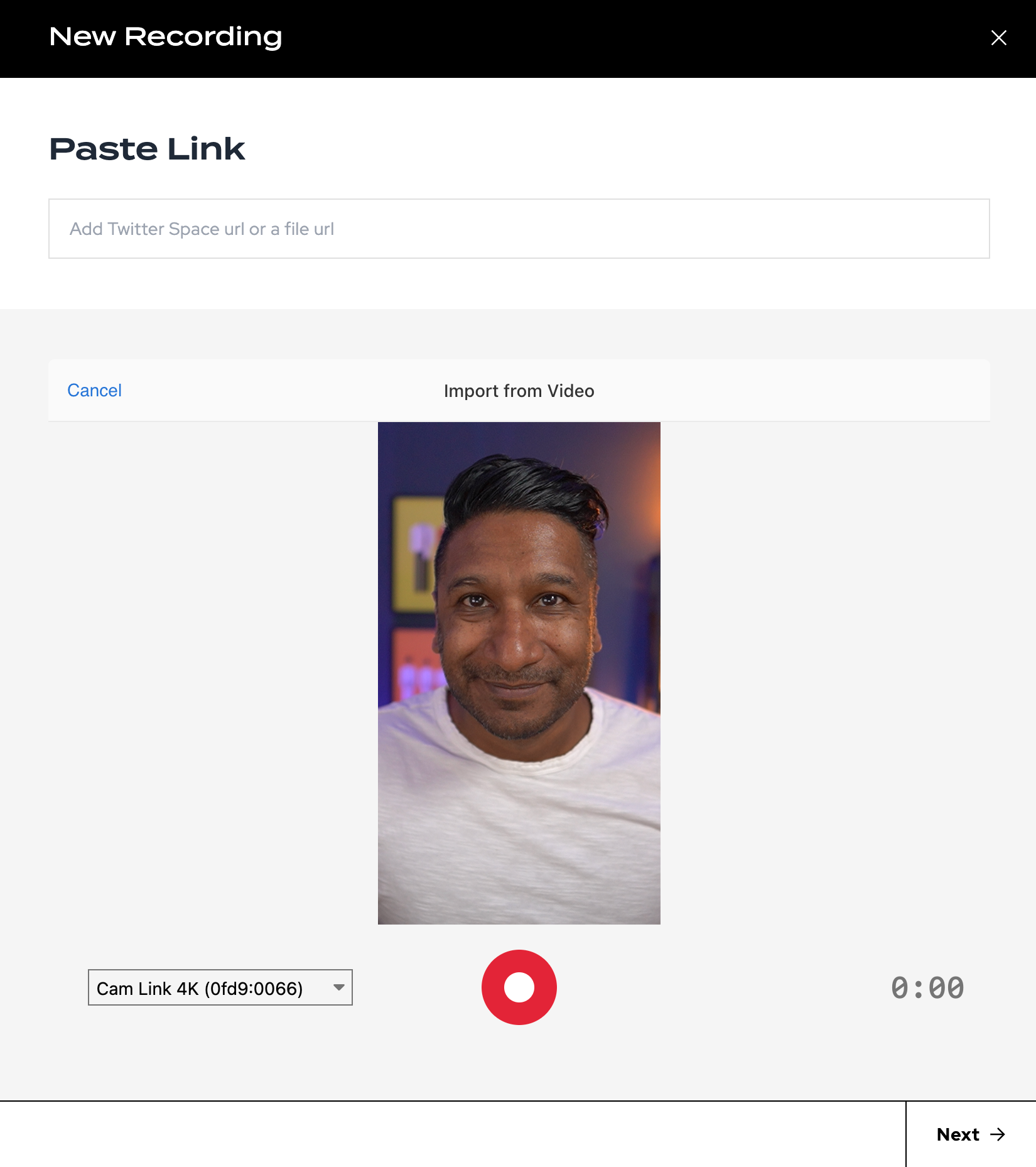
We've added support for you to create new audio and video content right inside of Zealous - no apps, no uploads.. just record and work with it like your other recordings.
Just click "New Recording" to access your native recording options.
Easy Full-length Exports
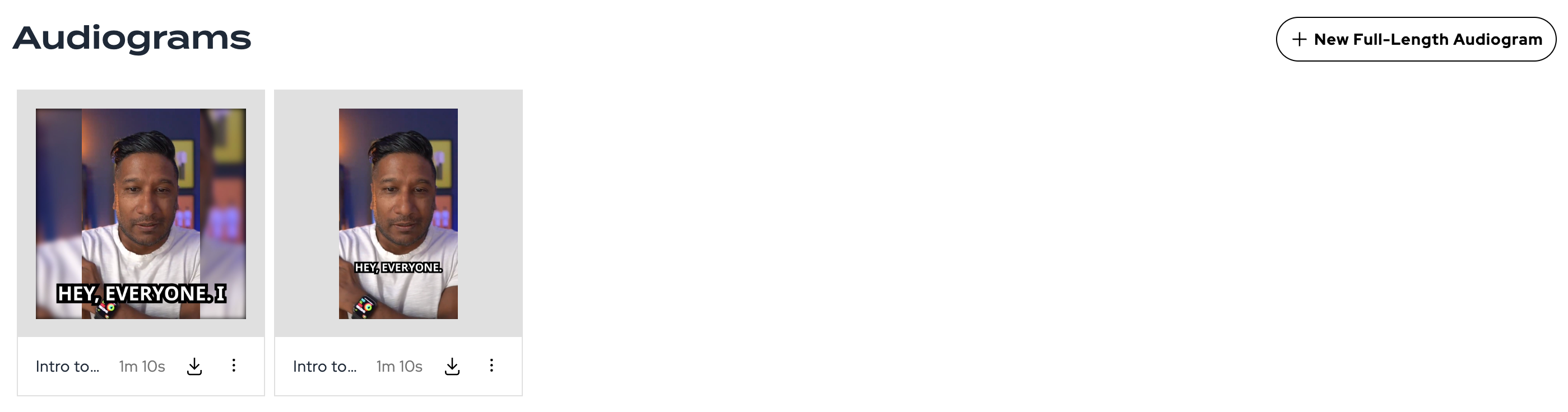
Did you know you can export your Twitter Spaces and other audio recordings as full-length videos for use on YouTube and other sites? We've just made that a lot easier right from the Media tab.
Originals
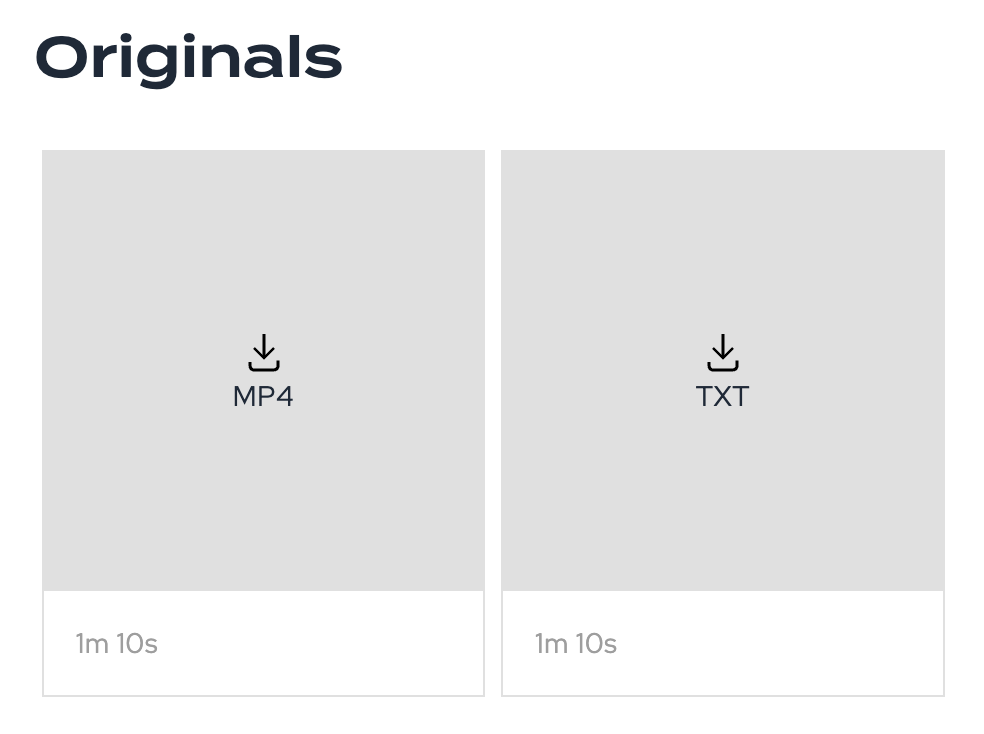
Despite your Activity Feed offering a way to download your recordings and artifacts, we realize it wasn't always easy to find that content later on. We've added a new "Originals" section to the Media tab that gives you quick access to all originals.
What's Fixed
Clip Words Update
We now have synchronized the transcript, clips, and audiograms so that edits in the transcript go all the way through. Previously, when you made an audiogram we saved a new audio clip and the words separately. Now, we refer back to the source so this process is much cleaner.
Note, once you render an audiogram you'll need to re-render as the words can't be changed after a video is created.
Scheduled Spaces Improvement
A sporadic issue was causing some scheduled spaces to not appear in your account and should be resolved now if you experienced it!