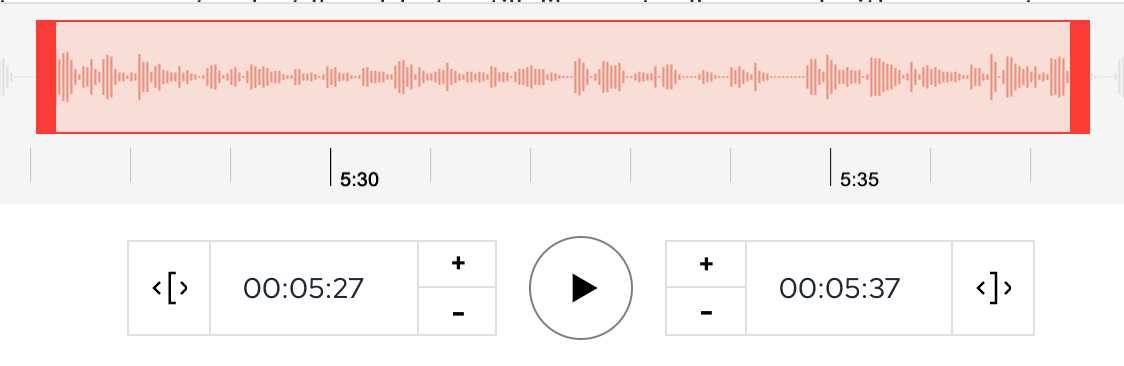
🚀 A Faster, Better Way to Make Audiograms
Clipping audio is a total pain, so we just added some great new tools to make you more efficient:
- Text Selection => Audiogram
- Fine-grained Adjustments
Here's an overview of how they work.
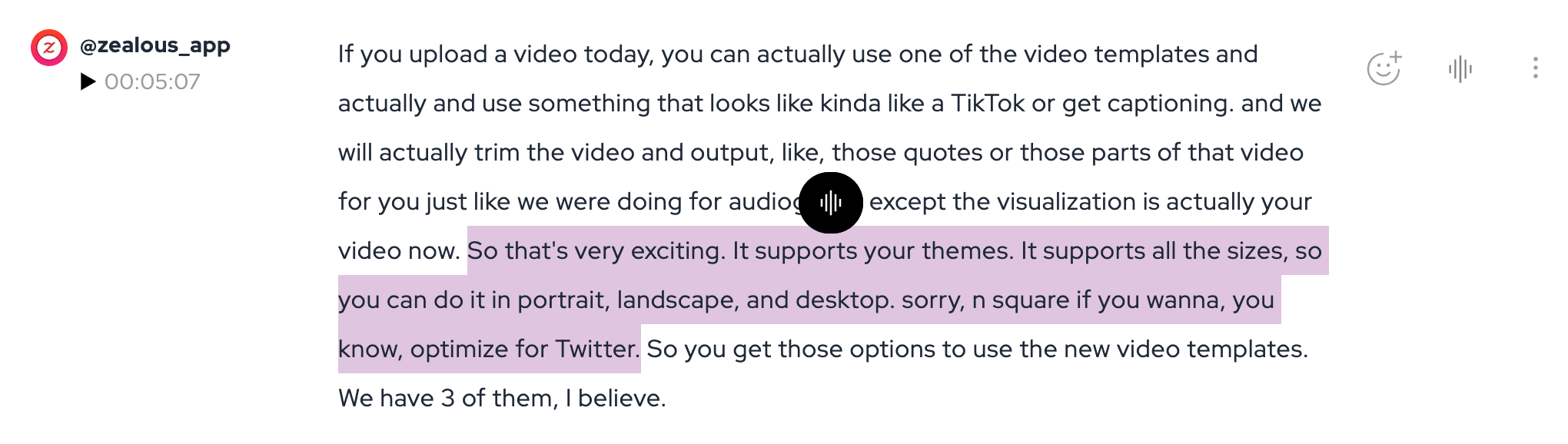
Text Selection
You can now simply select the text that you want to clip or turn into an audiogram and capture it.
No more fussing around with waveforms!
Fine-grained Adjustments
We've added a number of adjustments as well:
- Second-level adjustments
- Word-level additions/removals
- Auto-word selection (if you hit a partial word)
This will make it possible to get exactly the moments you need.